SOQL Injection, FLS Violations, and the Risks Most Salesforce Teams Don’t Know They Have
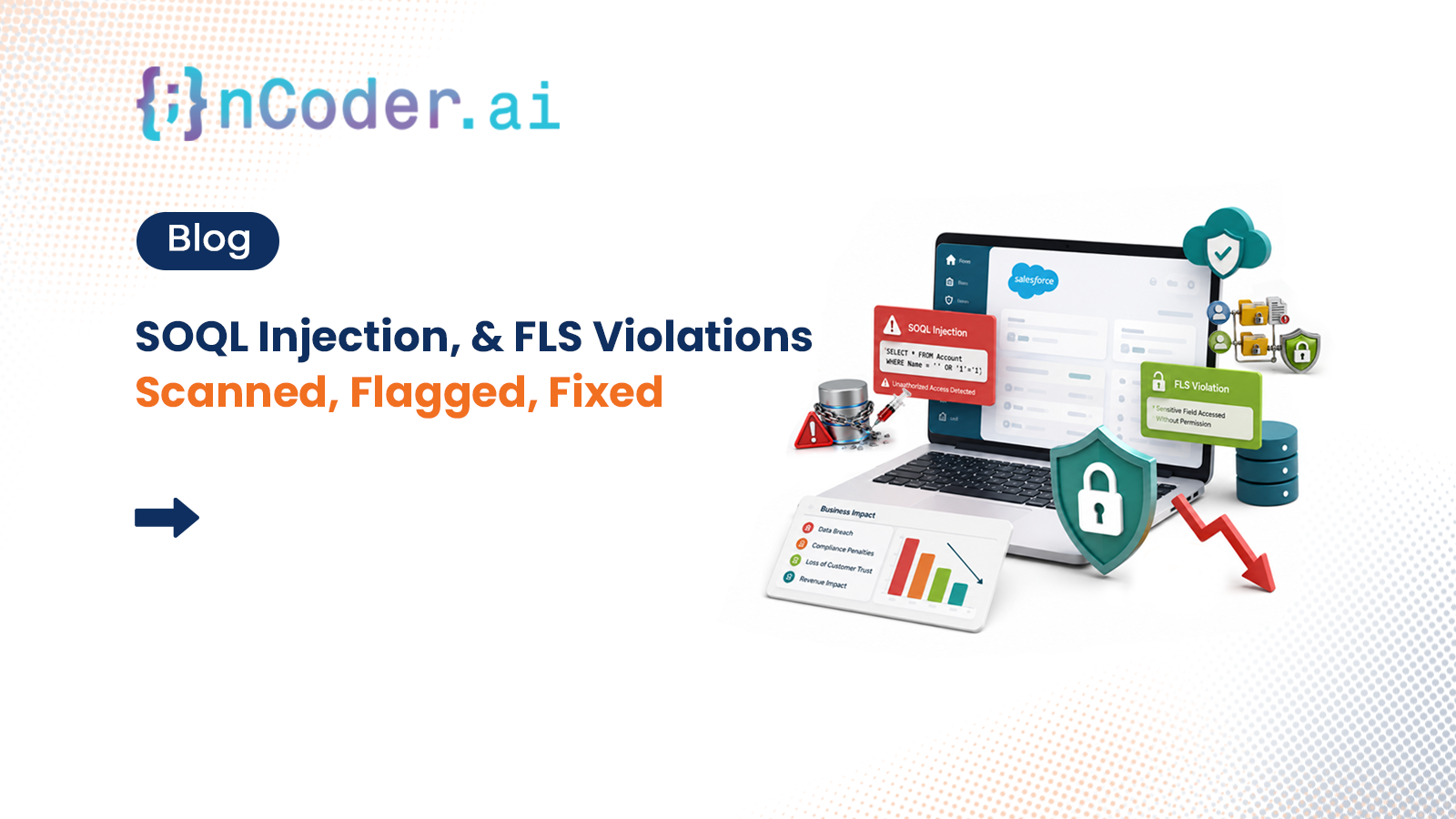
Nobody builds a Salesforce org intending to leave security gaps. But after years of shipping fast, fixing urgent things, and onboarding new developers — the gaps accumulate quietly. Most teams only discover them when something goes wrong.
Salesforce is trusted with some of the most sensitive business data in the world. Customer records, financial pipelines, employee information, deal data. And yet the custom Apex code sitting on top of that data is often years old, written under deadline pressure, and never put through a proper Salesforce security code review.
That’s not negligence. It’s just how enterprise orgs grow. But it creates real risk — and the vulnerabilities we’re about to cover are the ones that show up most consistently when teams finally run a Salesforce static code analysis on their org.
The four Salesforce Apex security risks hiding in most orgs
These aren’t theoretical. They’re the patterns that nCoder.ai’s Salesforce Apex security scanner surfaces most frequently when teams run their first scan. And in every case, the code was written by competent developers — just without the specific Salesforce Apex security best practices that prevent these patterns.
How to find and fix SOQL injection in Salesforce Apex
SOQL injection is the Salesforce equivalent of SQL injection — and it works exactly the same way. It happens when user-supplied input is concatenated directly into a dynamic SOQL string without sanitisation. An attacker can manipulate that input to change the logic of the query and access records they should never be able to see.
The SOQL injection fix in Salesforce is simple once you know the pattern. The problem is finding every instance across hundreds of Apex classes before someone else does.
Any dynamic SOQL query built with string concatenation involving user input is a potential SOQL injection risk. The Salesforce Apex security best practice is to always use static SOQL with bind variables, or to use String.escapeSingleQuotes() when dynamic SOQL is absolutely required.
How to fix FLS violations in Salesforce Apex
Field Level Security enforcement in Apex code is one of the most commonly missed areas in Salesforce security. FLS is Salesforce’s mechanism for controlling which users can see which fields — an admin can configure it to hide a salary field from everyone except HR. But if Apex code accesses and displays that field without checking FLS, those permission settings are bypassed completely.
The code runs. The field shows. The user sees data they were never meant to see. No error. No warning. Nothing in the logs.
Salesforce only strengthened FLS enforcement requirements in recent platform versions. Code written 5–7 years ago predates those standards — and was never updated. Most orgs have dozens of these sitting quietly in legacy controllers and triggers.
How to fix FLS violations in Salesforce Apex — step by step
Four steps to FLS-compliant Apex code
Identify every field access in your Apex code
Any SOQL query that returns specific fields, and any Apex that reads or writes field values, is a candidate for FLS enforcement checks.
Add Schema.DescribeFieldResult checks before access
Use "Schema.sObjectType.Account.fields.Salary__c.isAccessible()" before reading. Use "isUpdateable()" before writing. Wrap in a conditional and handle gracefully if false.
Use WITH SECURITY_ENFORCED in SOQL queries
Salesforce’s WITH SECURITY_ENFORCED clause automatically enforces FLS and CRUD at the query level. It’s the cleanest approach for new code.
Run a Salesforce static code analysis to catch what you missed
Manual review catches some violations. A proper Salesforce Apex security scanner catches all of them — across every class, every field, every query in the org.
CRUD violations and hardcoded credentials in Salesforce Apex
Salesforce Apex CRUD violations follow the same logic as FLS but at the object level. Salesforce lets admins control whether users can create, read, update, or delete records on specific objects. A CRUD violation happens when Apex performs those DML operations without first checking whether the running user has that permission.
The fix: always call permission checks before DML. Use Schema.sObjectType.Account.isCreateable() before insert, isUpdateable() before update, isDeletable() before delete.
Hardcoded credentials in Salesforce Apex are a different kind of risk entirely. An API key or token stored directly in a class gets included in metadata exports, org backups, and any package installation. The developer who added it “temporarily” has long moved on. The credential is still there.
Move all credentials to Named Credentials or Custom Settings/Custom Metadata. Never store tokens, keys, or passwords as string literals in Apex. A Salesforce security code review will surface every instance — there are usually more than teams expect.
Why manual code review isn’t enough
Manual Salesforce security code reviews are valuable — but they’re periodic, expensive, and only as thorough as the reviewer’s time allows. The vulnerabilities above exist in orgs that have had manual reviews. They persist because no human team can consistently scan every class, every query, every field access in a large org on an ongoing basis.
This is exactly what Salesforce static code analysis tools are built for — automated, systematic scanning that finds what humans miss.
Salesforce Apex security scanner — nCoder.ai
What the Security Agent finds automatically
The Salesforce security conversation most teams aren’t having
Most Salesforce security discussions focus on the platform layer — MFA, IP restrictions, Shield, permission sets. Those things matter. But they’re table stakes.
The vulnerabilities that cause real incidents in enterprise orgs aren’t in Salesforce’s infrastructure. They’re in the custom code your team wrote. Salesforce will never alert you to a SOQL injection in your Apex. FLS violations won’t appear in your health check. Hardcoded credentials in your classes are invisible to every compliance tool that only looks at the platform layer.
Following Salesforce Apex security best practices systematically — using bind variables, enforcing FLS and CRUD, running regular static code analysis — is what separates orgs that find these issues themselves from orgs that find out through an incident.
nCoder.ai’s Security Agent runs a full Salesforce static code analysis across your entire Apex codebase — surfacing SOQL injection patterns, FLS violations, CRUD violations, and hardcoded credentials with exact locations and recommended fixes. Find out what’s hiding in your org before someone else does.
When did your team last run a full security scan of your Apex code? Drop a comment — the answers are usually illuminating.
Free security scan. Every vulnerability surfaced. No commitment.
Your Free Security Scan →